Introduction to Cross Origin Resource Sharing (CORS)
I'm a solutions engineer lead, GitHub Star, Director of WomenDevsSG, and co founder of ragTech. I work at the intersection of tech, systems, and leadership, and this blog is where I share my journey through all three. Expect honest reflections, real experiences, and thoughts that are still forming rather than polished career advice.
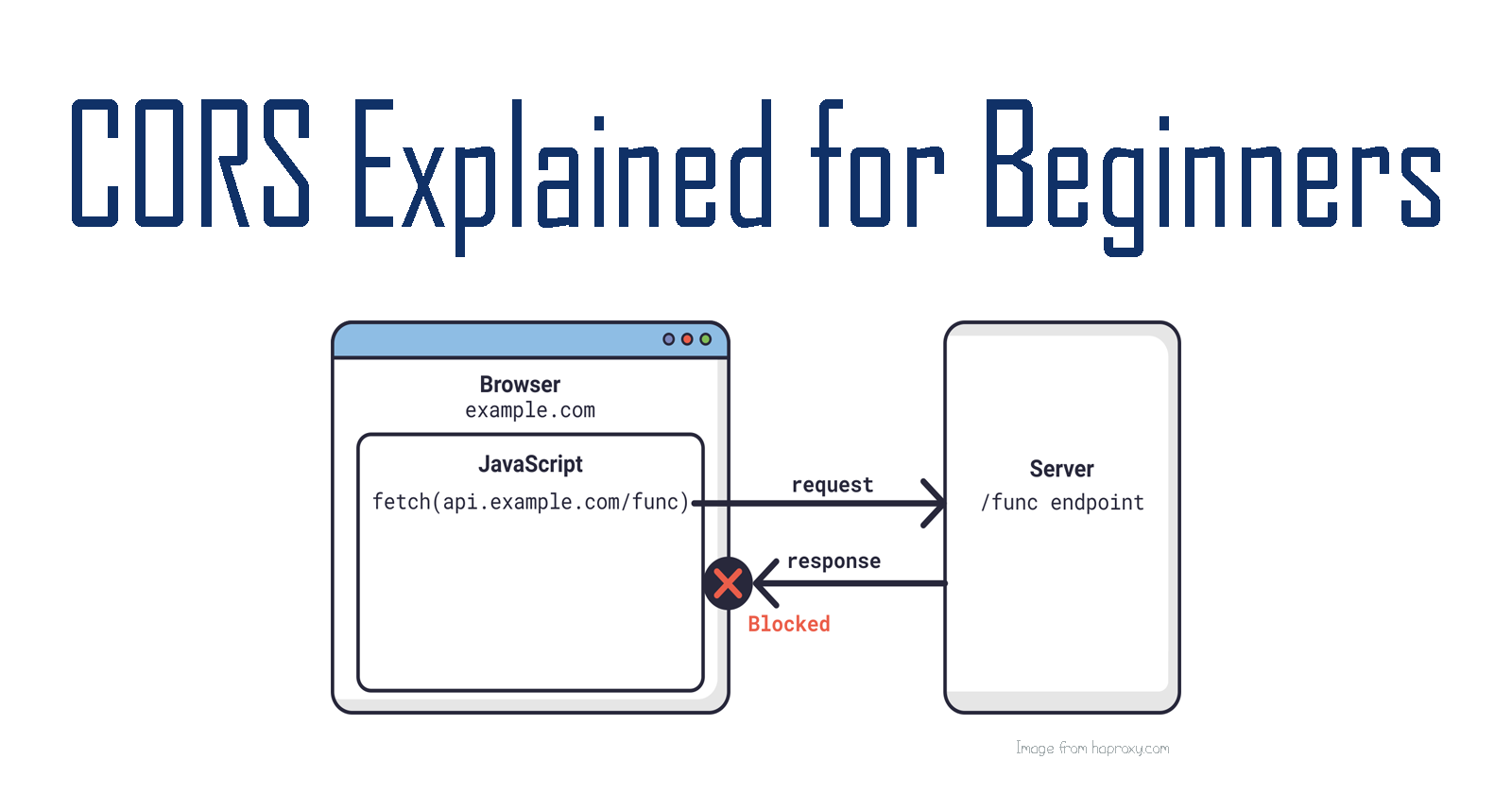
In web development practice, it is common for web apps to separate their front-end from back-end services. As such, accessing resources from the back-end requires the understanding of Cross-Origin Resource Sharing or CORS for short. It is an essential part of understanding web infrastructure for developers.
Hello everyone! In this article, let's discuss CORS, why we need it and how we can implement it. We'll also look at related concepts such as the Same-Origin Policy.
First, an experiment
If you are on a website (i.e. google) and then on your browser inspector, try to send a request to, let's say, an API like so:
const response = await fetch("https://tea-api-vic-lo.herokuapp.com/tea");
What do you think will happen?
The console would return the following error message:

Why is this so? The answer is because of the Same-Origin Policy.
The Same-Origin Policy
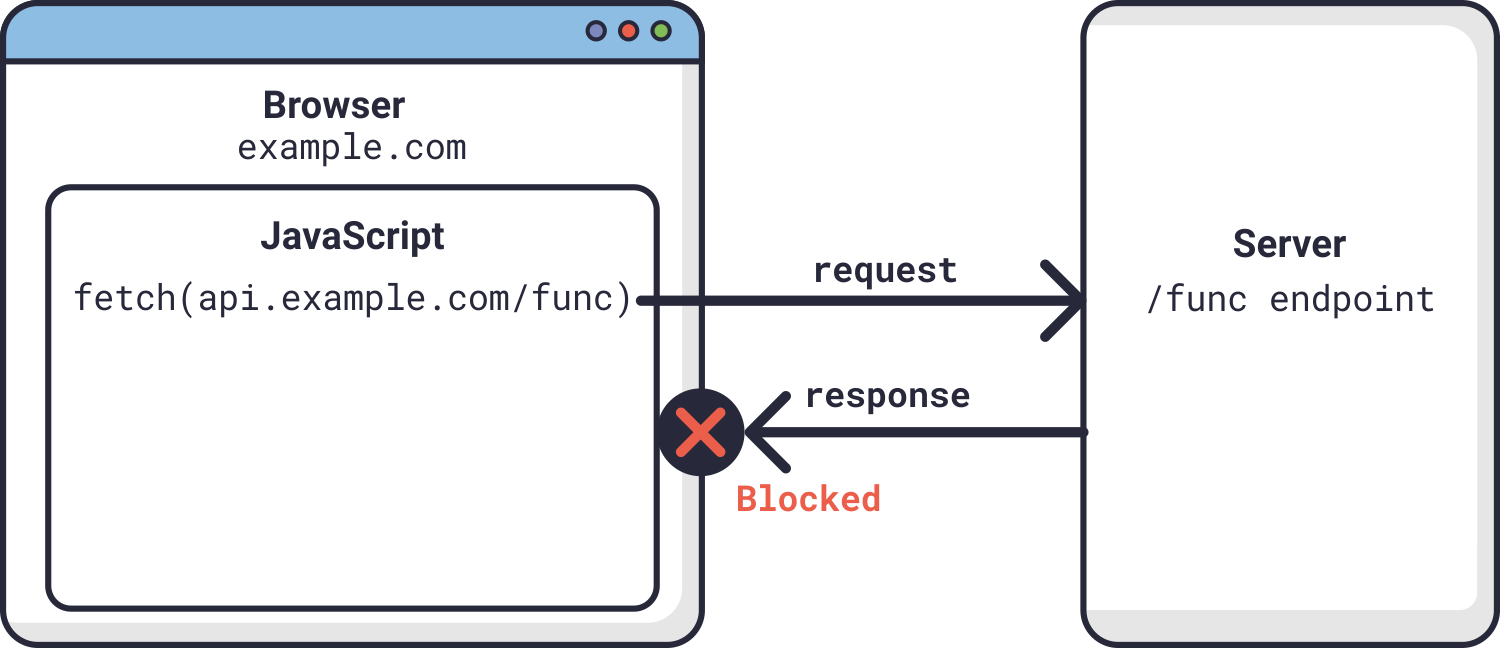
There's a security policy that browsers follow. It's called the Same-Origin Policy, which basically states only resources from the same domain, host and port can interact with each other.
For example, example.com can retrieve data from its server at example.com because they share the same domain. Any of its subdomains would also be accessible (i.e. example.com/page1 or example.com/page1/page2).
However, resources from domains like api.example.com or google.ca would not be accessible to example.com due to this security policy.
Importance of Same-Origin Policy
As you may have guessed, this policy is put in place for security purposes. Imagine if there's no such restriction; a malicious site can simply GET any data from any site resulting in cross-site request forgery(CSRF) attacks.
On the other hand, this policy may be too restrictive because some web apps may need to fetch resources from several different servers. In that case, this is where CORS (Cross-Origin Resource Sharing) comes in.
What's CORS?
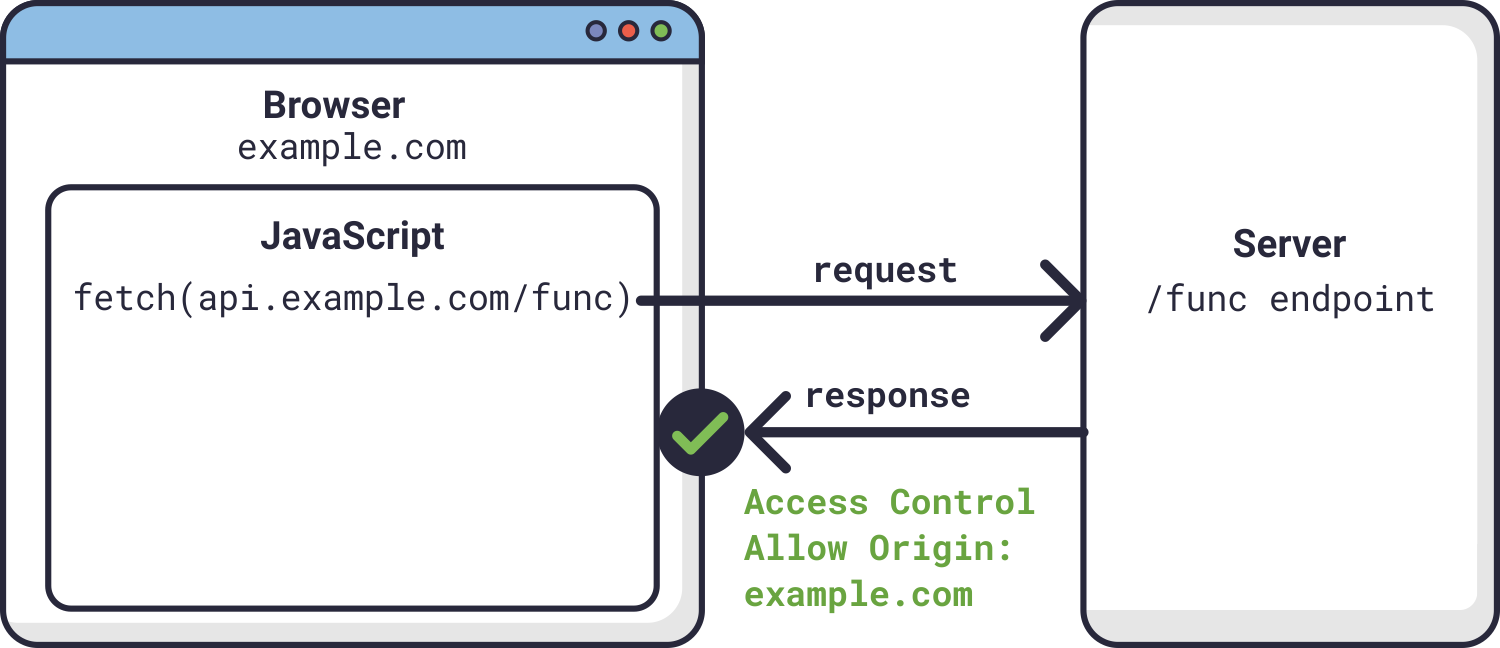
As the name suggests, it enables websites to access resources from servers that does not share its domain, host or port. The whitelisted website is usually passed in the Access-Control-Allow-Origin request header, which will tell the server that it is okay to send and share its data to this website.
For example, if we set Access-Control-Allow-Origin to example.com, it means that this website can now have access to api.example.com.
An Example
My Tea App, which fetches data from my Tea API needs to be whitelisted so that the app is allowed access the API's data. Let's implement a CORS middleware to achieve this.
Step 1: Install cors
Let's first install the npm package called cors.
npm install cors
Step 2: Import
In the server.js file, we import cors:
const cors = require("cors");
Step 3: Whitelist
Then below the app initialization, const app = express() line, add:
app.use(cors({ origin: /(.*\.)?victoria-lo.github\.io.*/ }));
This line basically tells the API that any domain with victoria-lo.github.io is whitelisted from the Same-Origin Policy. Hence, my app, which is hosted at victoria-lo.github.io/Hashtag-TEA is allowed to fetch and load data from my API which is at an entirely different domain (tea-api-vic-lo.herokuapp.com/).
Conclusion
And that's the gist of what CORS is all about! Thanks for reading. Please leave a like and share your thoughts in the comments below. I hope it has been a helpful read. Feel free to read more about what we've discussed today in the See Also section below. Cheers!
Let's Connect!
See Also
Images taken from: haproxy.com